
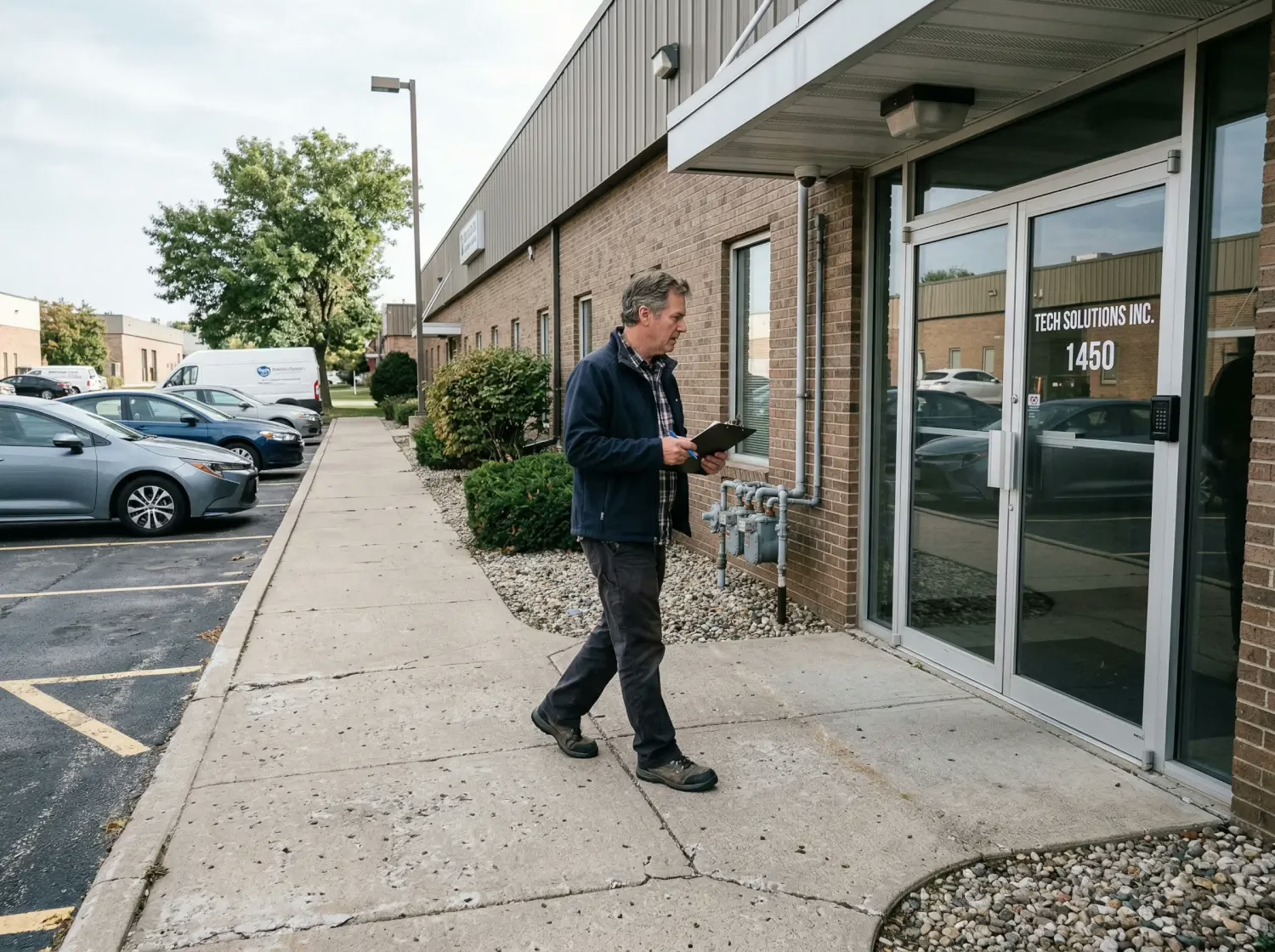
Physical Security Assessment Checklist for Businesses (Step-by-Step)
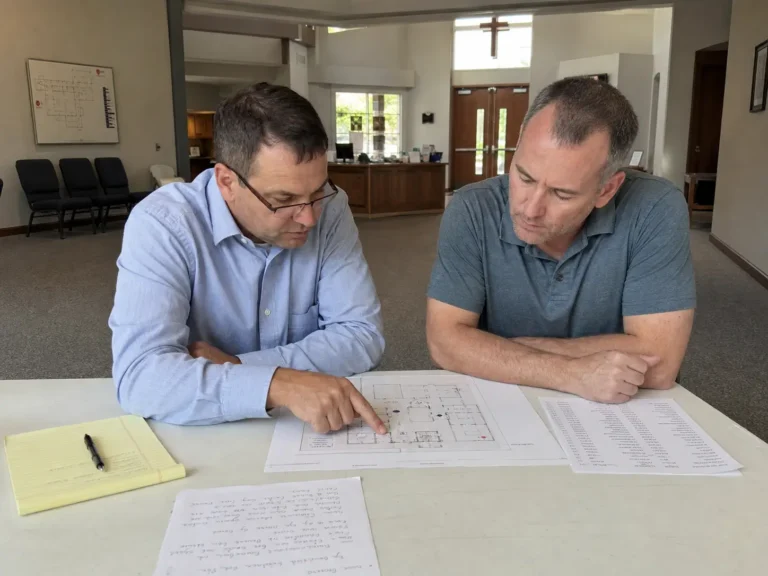
Most businesses don’t have a “security problem” until one day they do—then it’s suddenly urgent, expensive, and annoying. The good news is you can catch most weak spots early with a simple walkthrough, as long as you’re checking the right things (and not just guessing). That’s what this guide is for.
And to make this easy, I put together a downloadable Physical Security Assessment Checklist you can use while you walk the property. Grab it now, then come back and follow the steps below.
The risks most businesses overlook (until it’s a problem)
Most business security issues don’t start with a dramatic movie moment. They start with boring stuff:
- A door that doesn’t latch all the way
- A camera pointed at the sky (or a wall… why?)
- A side gate that “everyone props open sometimes”
- A dark corner of the lot where people can hang out unseen
- No clear plan for what staff should do when something feels off
Then one day you get a call, a complaint, an incident report, or a surprise insurance headache, and suddenly security becomes urgent.
That’s why doing a walkthrough before something happens is such a power move. A proper assessment helps you catch problems early, reduce risk, and avoid spending money on the wrong fixes.
If you’re already thinking about guards, patrols, or cameras, you might also like our breakdown on Security guard benefits for businesses, it helps frame what security can realistically do (and what it can’t).
What a physical security assessment is (quick and practical)
A physical security assessment is basically a structured way to answer:
- What could go wrong here?
- How likely is it?
- How bad would it be if it happened?
- What’s the easiest way to reduce that risk?
It’s not “paranoia.” It’s just business.
And it’s not just about theft. A good assessment covers things like:
- Liability and safety risk (slips, access, confrontations)
- Unauthorized entry and trespassing
- Workplace violence prevention basics (OSHA points to prevention programs and planning as part of workplace safety).
- Documentation and response planning
What you’re checking vs. What you’re guessing
When businesses don’t assess, they guess. And guessing usually looks like:
- “Let’s buy more cameras.”
- “Let’s hire a guard.”
- “Let’s add a sign.”
Sometimes those are great fixes. Sometimes they’re expensive band-aids.
Grab the downloadable checklist before you start
Before you do your walkthrough, grab the downloadable physical security assessment checklist so you can move step-by-step and not forget the basics.
The physical security assessment checklist (step-by-step)
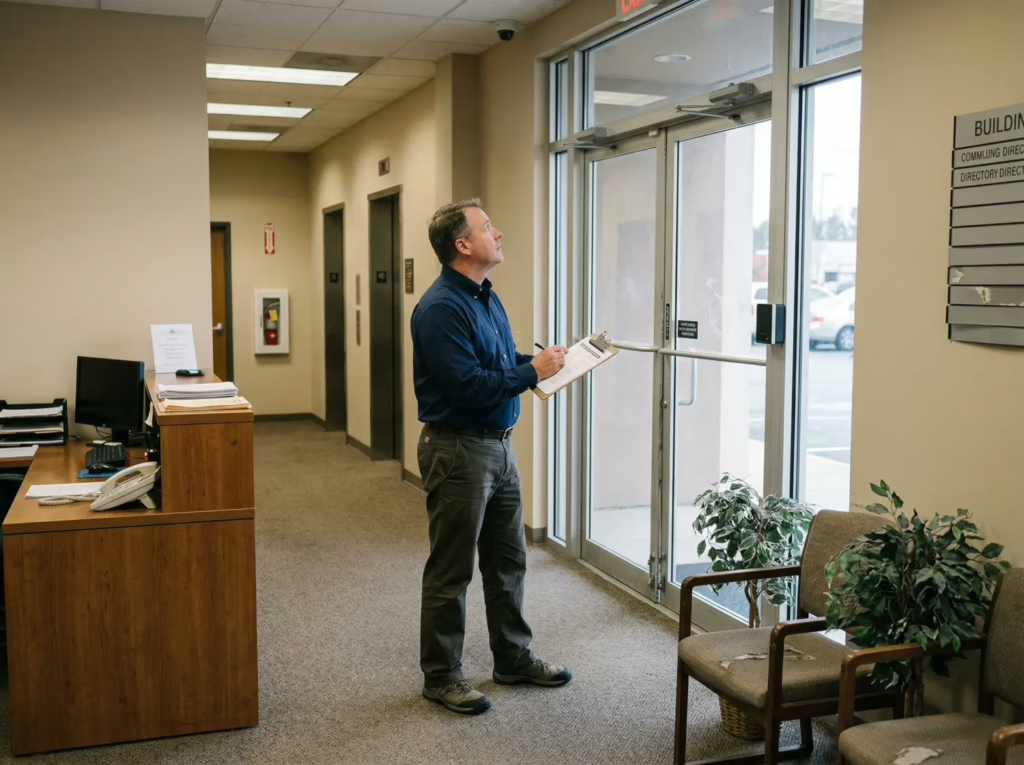
Use this like a walkthrough. Start at your parking lot/perimeter, move to entrances, then go inside.
Access control
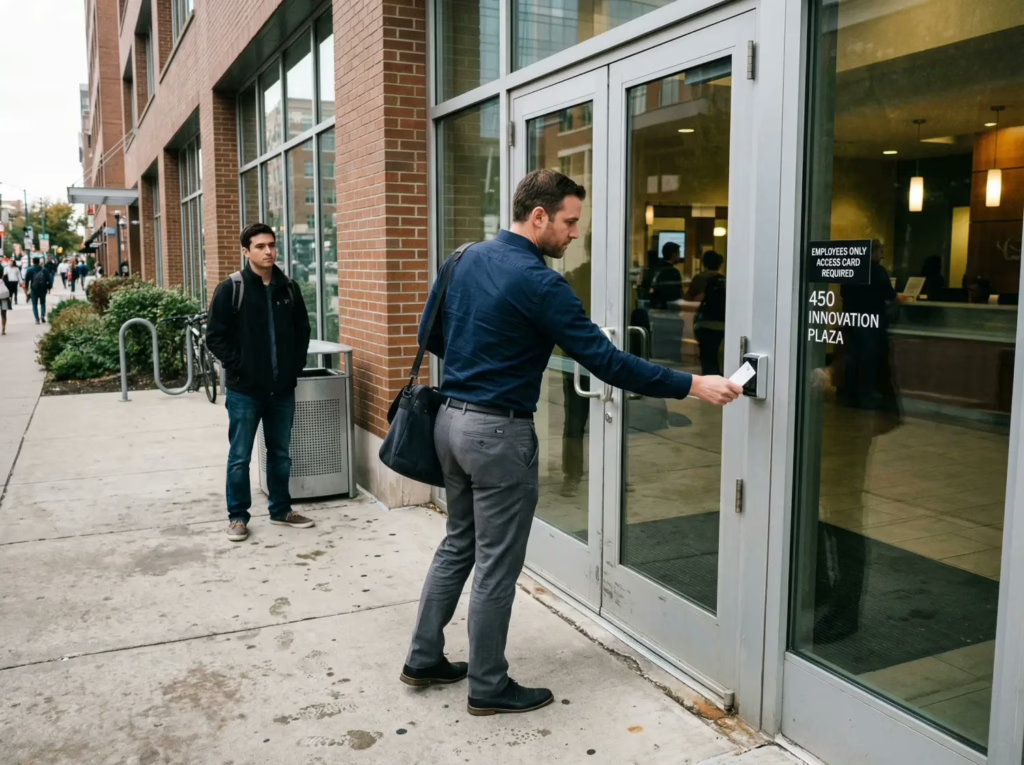
Goal: Make sure the right people get in, and the wrong people don’t, without drama.
- Confirm all exterior doors close and latch properly (no “you have to jiggle it” doors)
- Check door hardware: deadbolts, strikes, hinges, and any signs of tampering
- Verify keys/keycards are controlled (who has them, and how you revoke them)
- Make sure emergency exits are alarmed/monitored where appropriate (and not propped)
- Review visitor flow: sign-in, badges/wristbands, escorted areas
- Confirm restricted areas are clearly marked (IT rooms, cash rooms, back stock, tool cages)
- Audit “shared access” (vendors, cleaners, delivery drivers): are permissions too broad?
If access control involves ID checks, you’ll want your policies to stay clean and consistent, this comes up a lot in offices and multi-tenant buildings. Our guide on Can security guards check IDs legally in California is useful for setting expectations.
Surveillance and monitoring
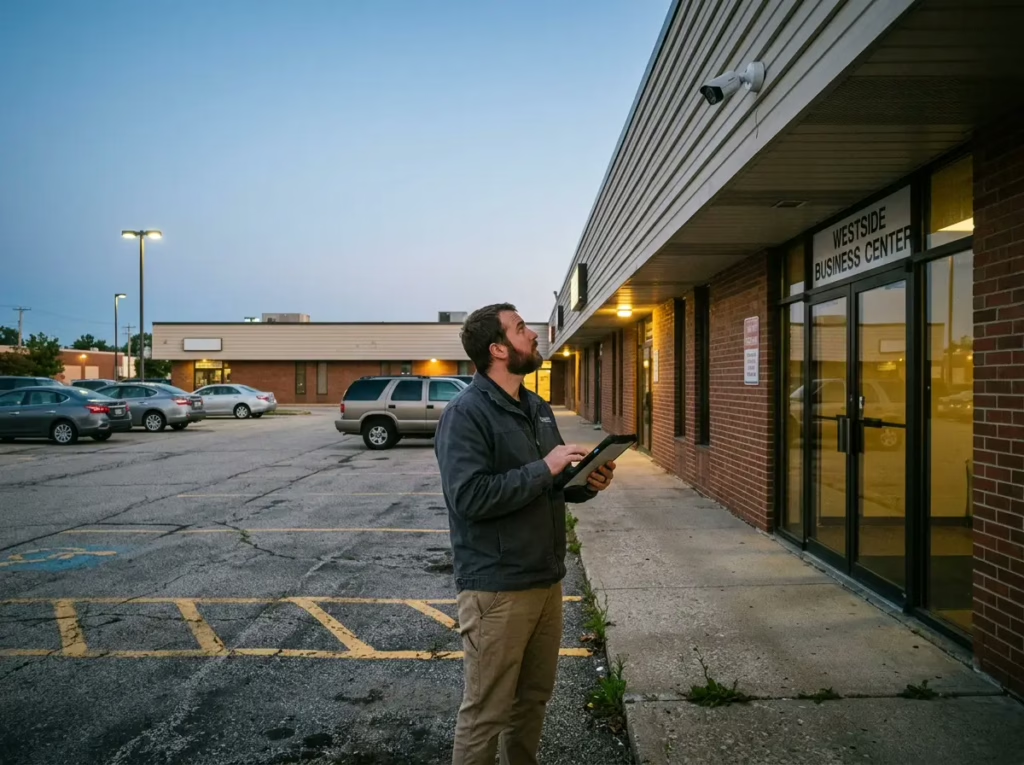
Goal: Cameras should help you make decisions, not just exist.
- Confirm cameras cover: entrances/exits, cash points, high-value areas, loading docks, and parking lot lanes
- Check for blind spots (walk your site and look for places you’d hide if you were up to no good)
- Verify camera quality: can you actually identify a face or plate at night?
- Test night performance (IR glare, overexposed lights, reflections)
- Confirm recording retention (how many days) and who has access to footage
- Make sure time/date stamps are accurate (this matters for investigations)
- Confirm signage is posted where required/appropriate
- Decide: live monitoring vs. review-after-the-fact
If you’re considering a stronger setup than “record and hope,” Remote security monitoring services can be a practical layer, especially for after-hours coverage. CISA also emphasizes layered security concepts (integrating people, processes, and technology) in its security resources.
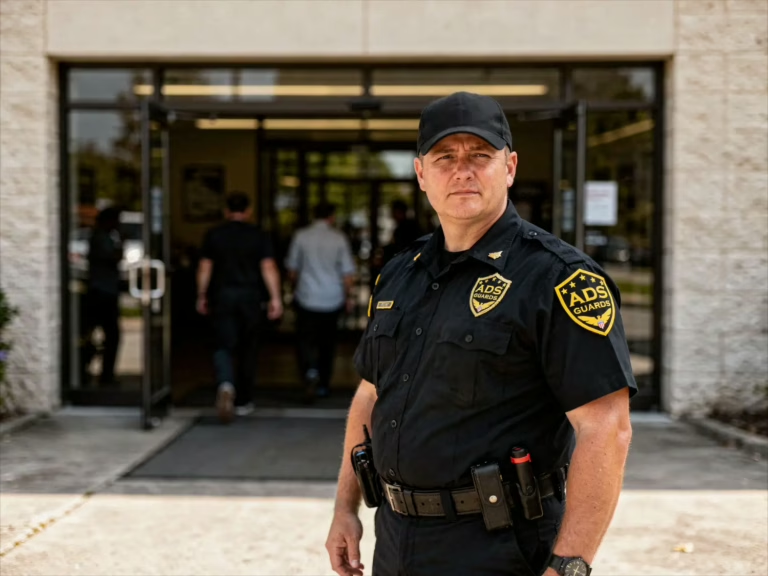
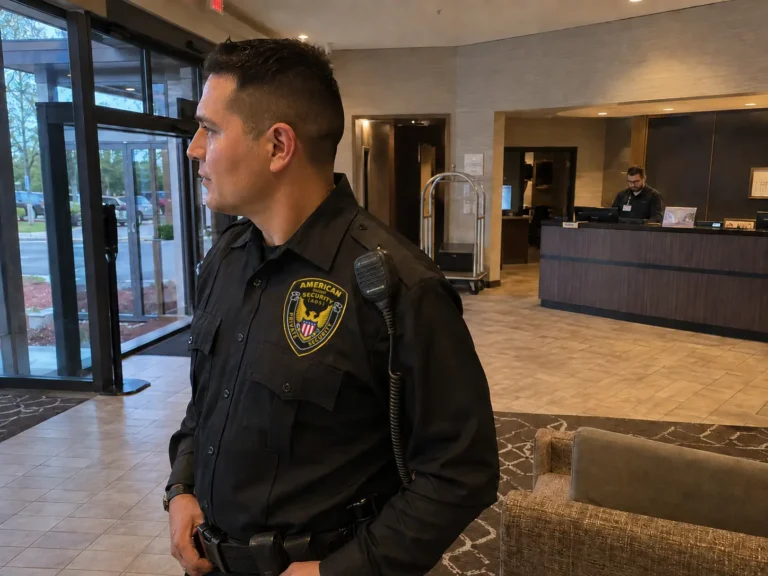
Guard presence and patrol strategy
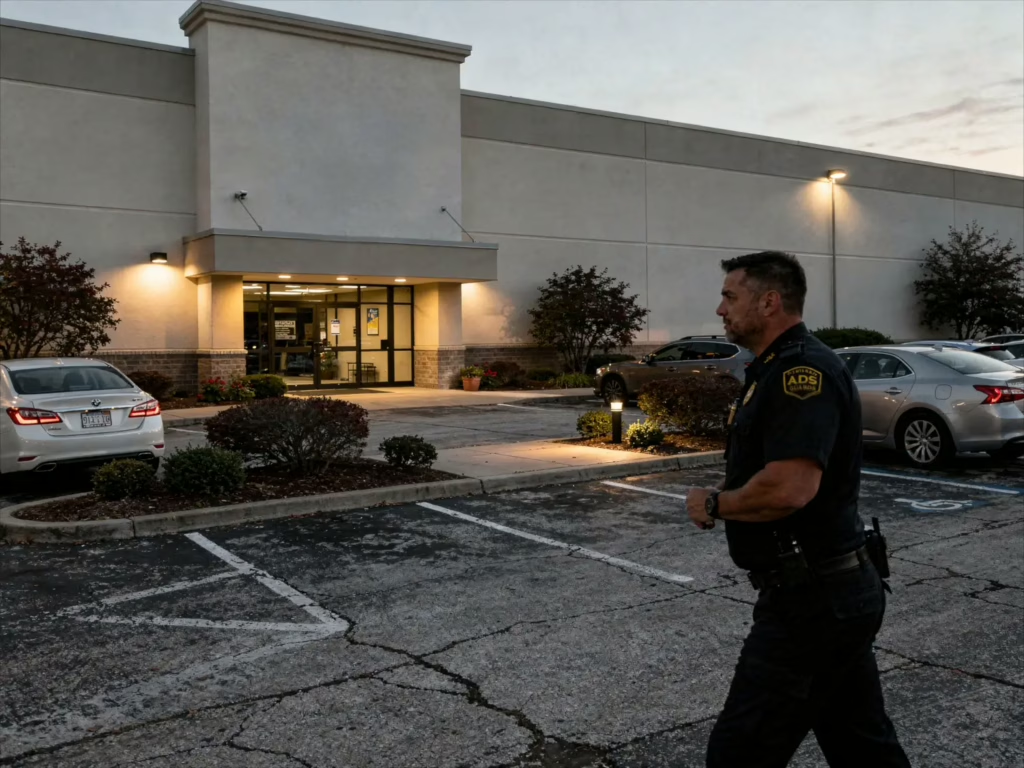
Goal: People problems usually need people solutions.
- Identify your peak-risk times (opening/closing, weekends, after-hours)
- Decide whether you need: unarmed presence, armed coverage, or mobile patrol
- Define guard responsibilities clearly (post orders): where to patrol, what to check, what to report
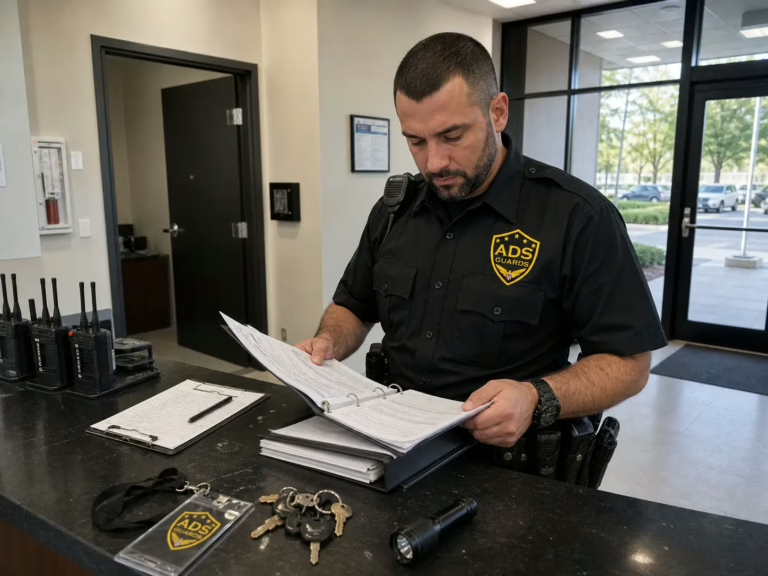
- Set expectations for documentation: daily logs, incident reports, photos when relevant
- Create escalation rules: when to call management, when to call police, when to disengage
- Confirm the guard has working communication tools (radio, phone, dispatch contact)
If you’re comparing companies, use our buyer’s guide: How to choose a security guard company. And if you’re budgeting, the quick reality check is How much do security guards cost in 2026 in California.
Also: not all sites need a full-time guard. Many businesses do better starting with Mobile patrol security and scaling up only if the site truly needs it.
Lighting
Goal: Remove hiding spots and improve visibility for staff, customers, guards, and cameras.
- Check all exterior lights are working (don’t assume, walk it at night)
- Look for dark corners near dumpsters, loading areas, and side entrances
- Confirm parking lot lighting covers walkways and entrances
- Use motion lighting where full-time lighting isn’t needed (but don’t create camera glare)
- Trim landscaping that blocks sight lines or creates blind spots
- Confirm interior lighting around exits and stairwells is adequate
Lighting is one of the cheapest security upgrades with the biggest payoff.
Perimeter security
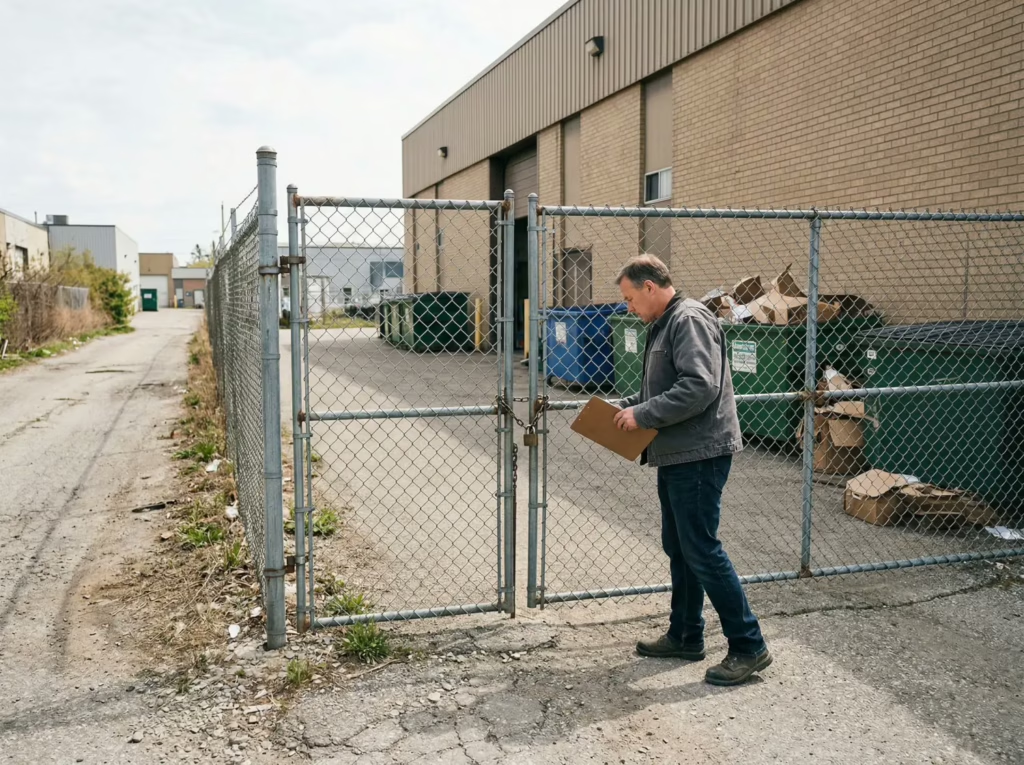
Goal: Make your property harder to enter unnoticed, and easier to monitor.
- Inspect fencing: gaps, damage, climb points, and gate locks
- Confirm gates close and lock (and aren’t regularly propped open “for convenience”)
- Check signage: “No Trespassing,” “Private Property,” “Cameras in Use,” etc.
- Evaluate vehicle access: can someone drive onto the property or into a back lot easily?
- Confirm dumpsters/storage areas aren’t acting like ladders to roofs or second floors
- Reduce concealment: bushes, tall planters, and clutter near access points
If your site is a shopping center, retail strip, or mall-style property, Shopping center and mall security coverage often comes down to perimeter + parking lot control done consistently.
Incident response
Goal: When something happens, your team shouldn’t improvise.
- Create a simple response plan (who to call, what to document, what to do first)
- Train staff on basic scenarios: trespassing, aggressive behavior, theft, emergencies
- Confirm your incident reporting process: forms, timestamps, camera pulls, witness notes
- Identify a safe room / staff-only area if needed
- Review medical/emergency procedures (first aid kit, AED location, emergency exits)
- If relevant: plan for fire watch and emergencies (especially on construction or systems-down scenarios). Fire watch is a big deal in certain situations, see Fire watch security and why it’s essential.
- Review legal limits for detention/search/force (especially in retail)
If retail theft is part of your world, it’s worth understanding the legal side: Can security guards detain shoplifters in California and Can security guards search bags in California. These topics matter because “doing the right thing the wrong way” can create liability.
Industry mini-checklists
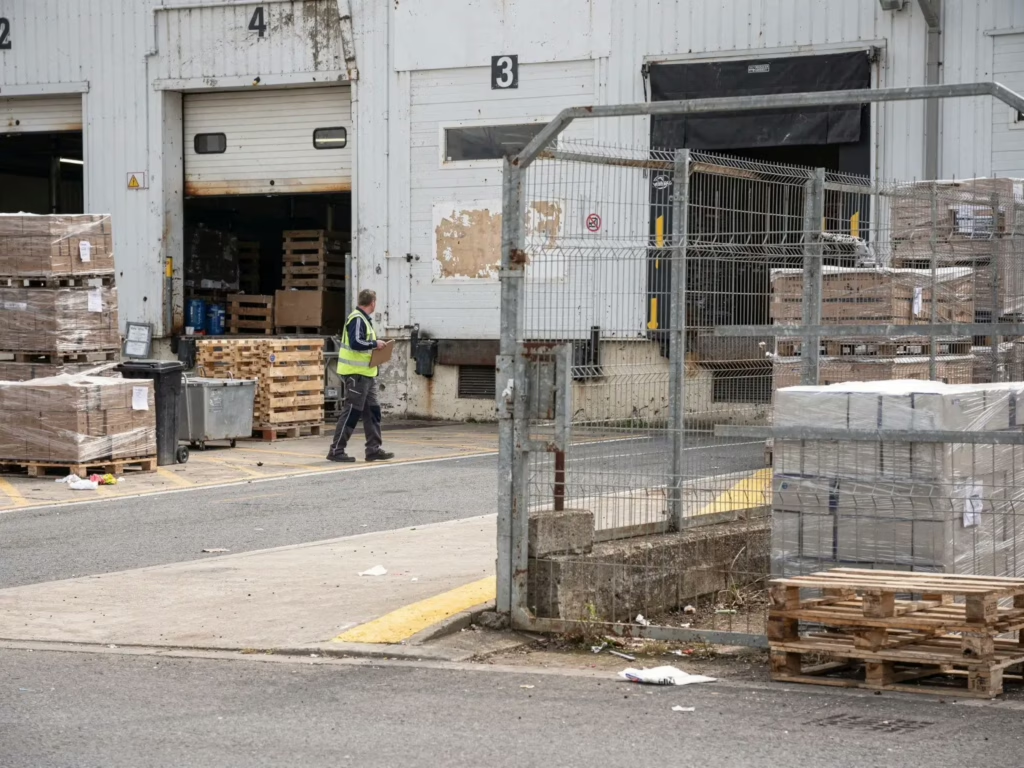
These are quick add-ons you can use based on your site type.
Retail store security checklist
- Coverage at entrances/exits during peak hours
- Clear policy for suspected theft: observe → report → respond
- Camera coverage of POS, aisles with high shrink, and exits
- Staff safety plan for confrontations (who steps in, who calls, who documents)
- Clear rules on bag checks and consent-based interactions
- Parking lot visibility and lighting checks
For retail, the “people side” matters a lot, this is where good training and calm presence beats tough-guy energy.
Warehouse security checklist
- Secure loading docks (dock doors, seals, after-hours locks)
- Vehicle access control (who can enter yards, when, and how it’s logged)
- Camera coverage of dock bays, cages, and high-value aisles
- Key control for forklifts, cages, and secured areas
- After-hours patrol checks for doors, gates, and perimeter fencing
- Clear visitor/vendor procedures (deliveries, pickups, contractors)
Warehouses also benefit from layered approaches: cameras + access + patrol.
Construction site security checklist
- Perimeter fencing integrity and locked gates nightly
- Lighting coverage around materials/tool storage
- Lock-up procedures (containers, tool cages, equipment ignition control)
- Patrol checks focused on laydown areas and equipment staging
- Documented end-of-day closeout routine
- Clear signage and trespass warnings
If you manage jobs in the South Bay, our post on Construction site security in San Jose and nighttime theft shows why the “after-hours window” is where trouble loves to live. For broader planning, see Construction site security in California and the service overview at Construction site security.
Workplace security checklist
- Controlled entry/visitor management (who’s allowed where)
- Employee badge policy (and enforcement that’s consistent)
- Safe reporting path for threats or concerning behavior
- Training for staff on de-escalation basics and “when to call”
- Parking lot lighting and escort procedures after dark (if needed)
- Clear incident documentation rules
If your workplace has customer-facing conflict risk, security planning is part of safety planning.
Common mistakes businesses make (and how to avoid them)
Buying tech without a plan
Cameras and access control are great, if someone is responsible for checking them, maintaining them, and responding to alerts.
No one owns the process
If nobody owns security, it becomes “everyone’s job,” which means it becomes no one’s job.
Give ownership to a manager, facilities lead, or security vendor who reports to a real decision-maker.
Weak documentation and inconsistent follow-through
Security isn’t just prevention, it’s proof.
- Proof that you’re taking reasonable steps
- Proof that patterns exist
- Proof that incidents were handled properly
This matters for everything from internal accountability to insurance and legal risk. If you want the compliance side in plain English, California security guard laws business owners ignore is a good read, along with why hiring a licensed security company is worth it.
Download the Physical Security Assessment Checklist
If you only take one action from this post, make it this: do your walkthrough with a structure. That’s how you catch the “small stuff” before it becomes a big incident.
Tip: Print it and do a daytime walkthrough and a nighttime walkthrough. Night reveals problems day hides.
Want a second set of eyes on your property security?
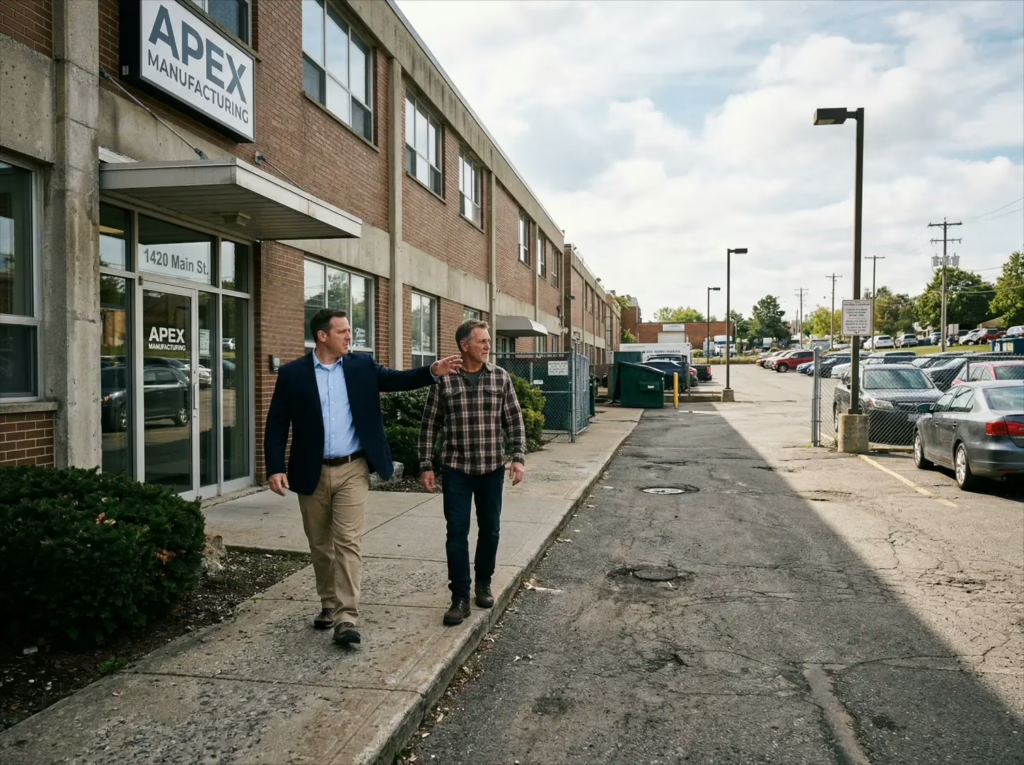
Even with a checklist, it’s easy to miss blind spots, especially if you’ve been at the same location for years and your brain has learned to ignore the “normal” problems.
That’s where we come in.
American Discount Security (A.D.S.) can assess your property, map your risk areas, and recommend a plan that actually fits your site (guard presence, patrol frequency, access control, lighting, camera coverage, or hybrid options). If you want help building a clean plan, reach out through our contact page and we’ll point you in the right direction.


Solid checklist. I missed a couple of these on a site walk last year, so this was a good reminder.